
Your cart is empty.
Keep shopping
Apache Iceberg with Python: PyIceberg & DuckDB Hands-On
New
103 students
Apache Iceberg with Python: PyIceberg & DuckDB Hands-On
Build a local Iceberg lakehouse, analyse data with DuckDB, and rebuild an ML training dataset from tagged snapshots.
Created byHassan Raza Bukhari
Last updated 11/2026
English
EnglishSpanish
What you'll learn
- Explain how an Iceberg catalog, table metadata, snapshots, manifest lists, manifests and data files fit together.
- Set up a local Iceberg catalog and warehouse, define tables and append PyArrow data with PyIceberg.
- Use filters and projections in table scans, and inspect which files a query needs to read.
- Query Iceberg scan results in DuckDB and calculate meaningful delivery lateness metrics.
- Apply overwrites, deletes, upserts and transactions to a changing dataset.
- Evolve a table schema and partition specification while keeping existing data readable.
- Inspect metadata tables, read historical snapshots, use tags and branches, and reason about expiry.
- Rebuild a training dataset from a manifest and verify the result with a fingerprint and model metrics.
Explore related topics
Coding Exercises
This course includes our updated coding exercises so you can practice your skills as you learn.
See a demo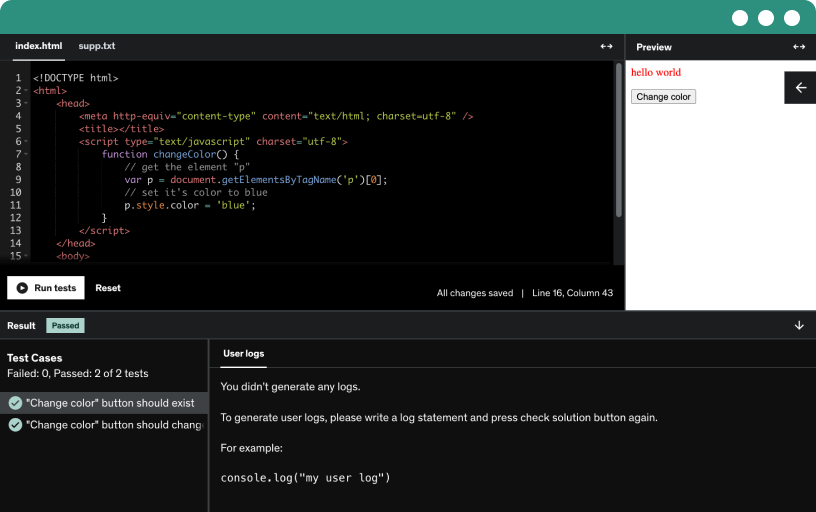
Course content
7 sections • 28 lectures • 2h 32m total length
Requirements
- Basic Python, including functions, imports and running a notebook cell.
- Basic SQL, including SELECT, WHERE and GROUP BY. The course demonstrates the joins and window functions it uses.
- A computer with Windows, macOS or Linux that can run a local Python environment. Installing packages requires an internet connection.
- Use the course’s pinned dependencies and the setup instructions in L04. The course runs on a local filesystem.
Description
Build an Apache Iceberg lakehouse on your laptop, analyse it with DuckDB, and reproduce the exact training data a model used before its source tables changed.
Imagine a grocery delivery company trains a model to predict late deliveries. A few weeks later, new orders have arrived and corrections have changed some of the original records. When someone asks how the model was trained, rerunning the same SQL against today’s tables can give a different answer. In this course, you’ll build a workflow that lets you return to the versions you used and verify what you get back.
Build and query the lakehouse
Use PyIceberg and PyArrow to create and populate tables for orders, customers and deliveries. See which files Iceberg reads when you filter or select columns, then use DuckDB to join the data and calculate delivery performance. Work through overwrites, deletes, upserts and schema and partition changes. Use metadata tables, time travel, tags and branches to inspect changes and recover an earlier table state.
Rebuild a real training dataset
In the capstone, you’ll record the source snapshots, feature SQL and train–test split settings in a dataset manifest. After the source data changes, you’ll rebuild the original dataset in a fresh Python process, verify its fingerprint and reproduce the model’s reported metrics under the pinned setup. You’ll also see which parts of the workflow carry over to a shared production environment.
I’m Hassan Raza Bukhari, a data scientist and machine learning engineer. I’ve built AI and data systems in areas including healthcare and social impact measurement. I designed this course around a single case because it’s easier to understand why a table version matters when you can see how a change affects a report or a model.
If you work with data and know basic Python and SQL, you can follow the project locally in Jupyter with the supplied code and generated dataset. Use the quizzes, browser coding exercises and notebook assignments to practise each part. By the end, you’ll have a working Iceberg project and a reproducibility checklist you can apply to your own data.
Who this course is for:
- Data engineers and analytics engineers learning Iceberg fundamentals through a working Python example.
- Analysts who know SQL and want to inspect and query versioned tables with DuckDB.
- ML practitioners who need to explain or rebuild the exact data used for a model.
- Python developers who want to understand the table format before using it with a shared catalog or a distributed engine.